
In today’s tech-filled world, coding is no longer just a job skill—it’s a life skill. Kids who learn to code early develop strong problem-solving skills, logical thinking, and creativity. Coding encourages children to explore how things work, ask questions, and find solutions. With programs like Obotz, it’s like giving them superpowers to build and understand technology from the inside out.
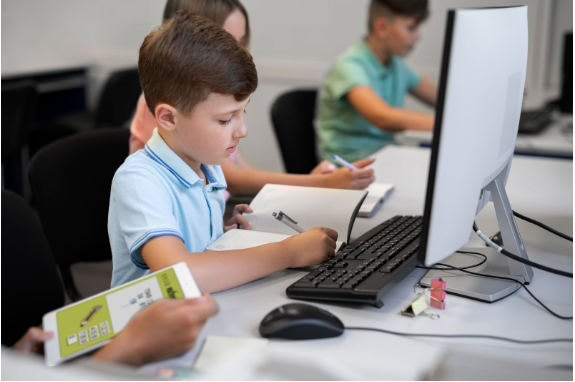
For elementary school kids, coding can be both fun and educational. They don’t need to become software engineers overnight. Obotz introduces young learners to simple block-based coding and visual programming platforms that let them create animations, games, and stories. These engaging projects make learning fun and interactive while building essential skills.
As a parent, you might feel unsure about where to start, especially if you don’t have a tech background. But don’t worry—this parenting guide is here to help you explore free and reliable resources, including Obotz, to introduce your child to the exciting world of coding. And yes, you can learn right alongside them!
Best Free Coding Platforms for Beginners
There are many free platforms designed specifically for kids who are just starting out with coding. One of the most popular is Scratch, created by MIT. It’s perfect for children ages 7 and up. Scratch lets kids drag and drop colorful blocks of code to create stories, games, and animations. It’s highly visual and super beginner-friendly.
Another great option is Code.org, which offers step-by-step tutorials and game-like lessons using familiar characters from Frozen, Minecraft, and Angry Birds. These activities are designed to teach the basic principles of coding without overwhelming young learners.
Tynker also offers free introductory courses that allow kids to experiment with block coding. It’s ideal for kids in grades K-5 and has fun challenges that keep them engaged. These platforms are perfect for parents looking for hands-on tools to support their child’s tech journey. Plus, they’re free!
Fun Apps to Learn Coding on the Go
Kids today love using tablets and smartphones—and luckily, there are educational apps that turn screen time into learning time. One such app is Lightbot, a fun puzzle game that teaches kids how to sequence commands and use logic to solve challenges. It’s available for free and offers offline play, which is great for car rides or waiting rooms.
Grasshopper, developed by Google, is another child-friendly coding app. It’s focused on JavaScript basics but presented in a way that’s easy for older elementary kids to follow. Each mini lesson is interactive, short, and rewarding.
Kodable is designed for younger kids and introduces coding with colorful characters and simple drag-and-drop challenges. It’s ideal for ages 5-10 and helps build early understanding of coding logic and sequences. Many of these apps offer free versions, and they’re a great way to supplement what your child is learning in coding classes for kids or school.

YouTube Channels That Make Coding Cool
If your child is a visual learner, YouTube can be a goldmine for free coding lessons. Coding for Kids by FreeCodeCamp is a fantastic starting point. Their beginner videos introduce key coding ideas using engaging visuals and real examples.
Another excellent channel is CodeKids, which breaks down complex coding concepts into fun, easy-to-follow tutorials for elementary school students. From making simple games to creating animations, these videos are entertaining and educational.
CS Dojo and CrashCourse Computer Science are also popular, especially for slightly older kids who are ready to explore more about how computers and coding work. As a parent, watching these videos with your child can become a shared learning experience, making coding a family activity instead of a solo task.
How to Use Everyday Life to Teach Coding Logic
Believe it or not, you don’t always need a computer to teach coding. Coding is really about logic, sequences, and solving problems—things you can explore right at home. Activities like sorting laundry by color, organizing books by size, or following a recipe can all introduce coding principles like categorizing, sequencing, and algorithms.
You can also create a DIY coding game at home. For example, set up an obstacle course in your living room and give your child commands to move through it using basic directions like “move forward,” “turn left,” or “pick up the toy.” This teaches them about instructions, loops, and conditionals—key parts of programming.
This hands-on, unplugged learning is especially helpful for younger kids and helps parents build a solid learning foundation. These simple parenting guide tips help make coding part of your everyday family routine—no laptop required!

Joining Local Clubs or Online Communities
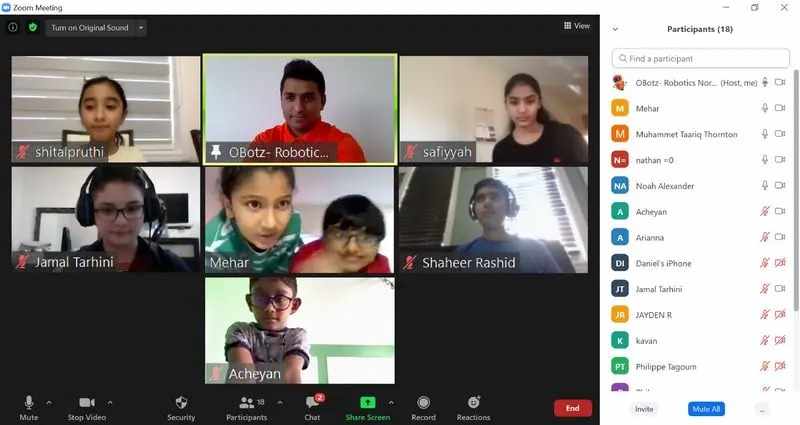
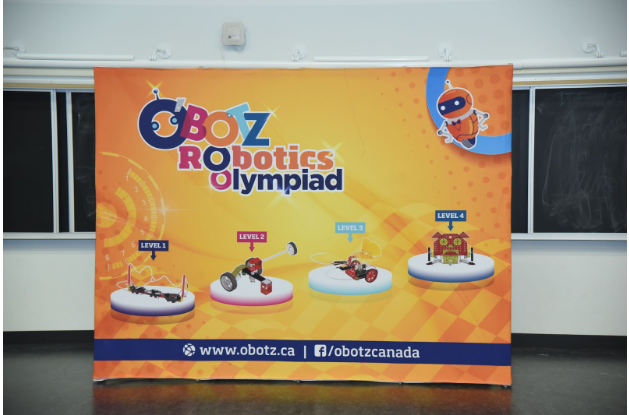
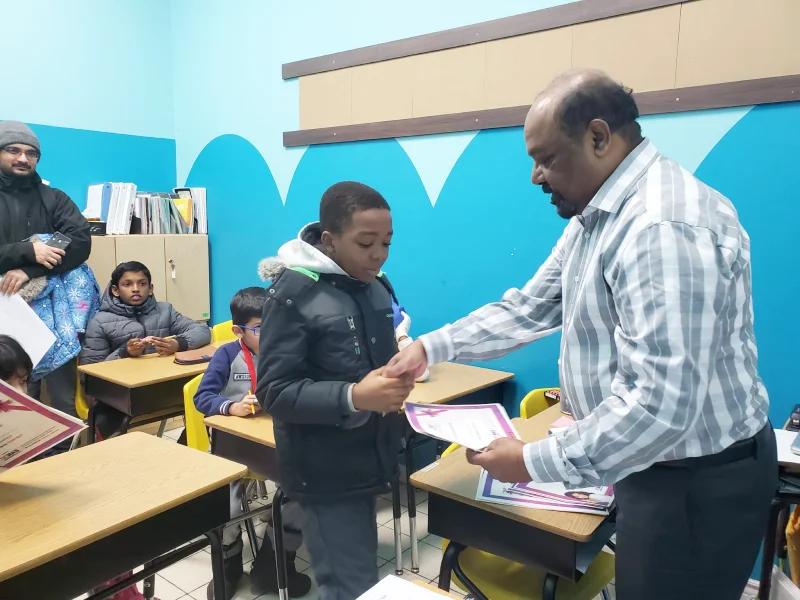
Along with online tools and apps, getting involved in a community helps kids stay motivated. Many schools now offer Obotz in school programs that provide fun robotics and coding sessions. These classes mix technology with teamwork, allowing kids to collaborate on cool projects while building strong friendships.
You can also check out your local library or community center for coding clubs or maker events. These gatherings often include free workshops where kids can build and code robots, make digital art, or solve puzzles.
Online communities like Scratch Studio or Code.org’s Teacher Forums are also good places for parents to find ideas and support. Kids can share their projects, get feedback, and feel like part of a bigger tech-loving family.
How Parents Can Support Coding at Home
You don’t need to be a coding expert to help your child. What matters most is showing interest and being encouraging. Let your child lead the way as they explore different tools and challenges. Ask them to explain what they’re building and why—it helps them think through their logic and improves their communication skills.
Create a dedicated space at home where your child can focus on their coding time. Even just 15–30 minutes a day can make a big difference. Celebrate their successes, whether it’s finishing a tutorial or debugging a tricky problem. Your support goes a long way in building their confidence.
Lastly, stay involved by exploring free resources together. Bookmark your favorite platforms, set weekly coding goals, or even join an online class with them. When kids see that learning can be a family affair, they stay more excited and engaged.
Conclusion: Discover the Power of Coding with OBotz
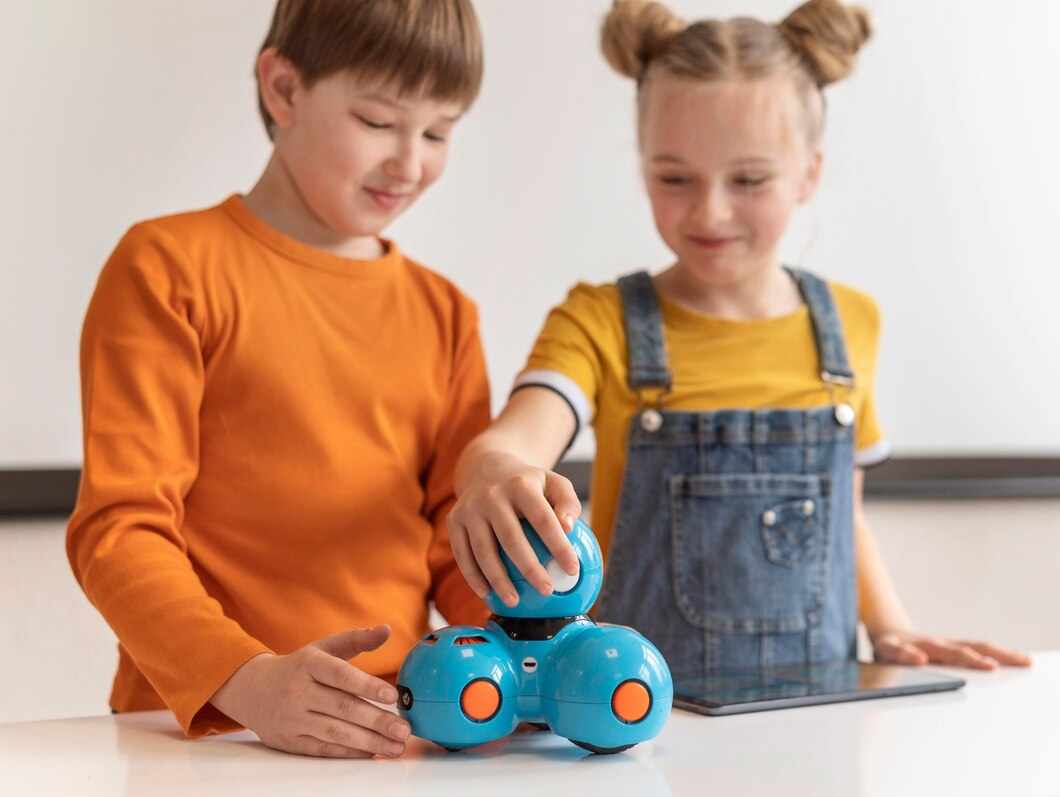
OBotz is a dynamic educational platform that empowers children through coding classes for kids, robotics programs, and hands-on STEM experiences. With a mission to bring obotz in school and beyond, OBotz focuses on nurturing curiosity, logic, and creativity from an early age. Their expert-designed programs ensure that children not only learn to code but also understand how to apply these skills in real life.
If you’re a parent looking for the next step in your child’s tech journey, OBotz is the perfect partner. Whether through school programs or after-school clubs, your child can explore coding and robotics in a fun, structured, and supportive environment.
Ready to help your child unlock their potential? VisitOBotz Canada to learn more and enroll in exciting coding classes for kids. Let’s build a brighter, tech-ready future—one line of code at a time.



Write a comment ...